
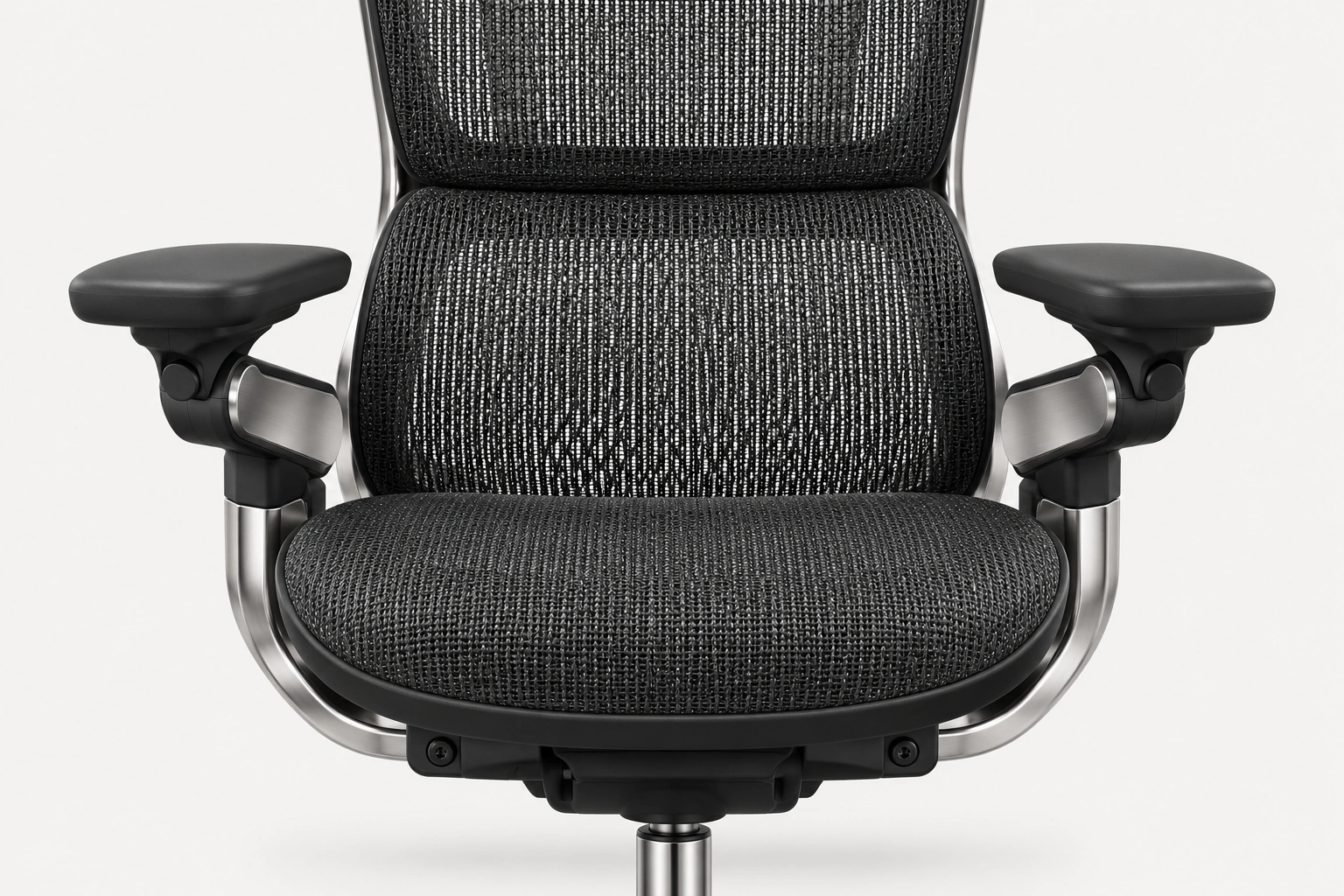
Arm width
Adjust the distance between the armrests.
ERGOTHRONE SERIES
A seat for your kind of work.
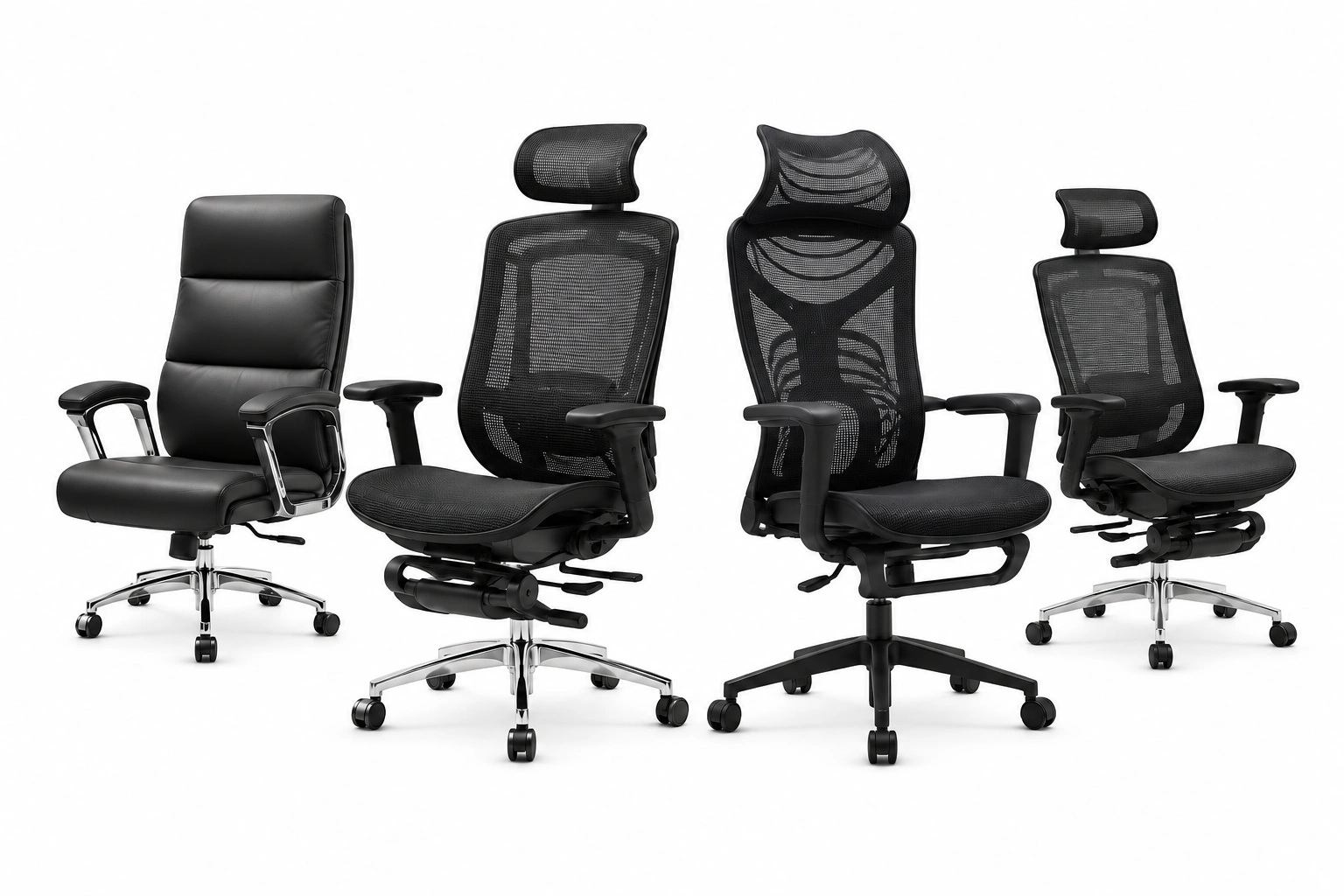
Designed to support the way you work —
focused, efficient, and uninterrupted.
YOUR WORKDAY, RECONSIDERED
SUPPORT
PERSONAL FIT
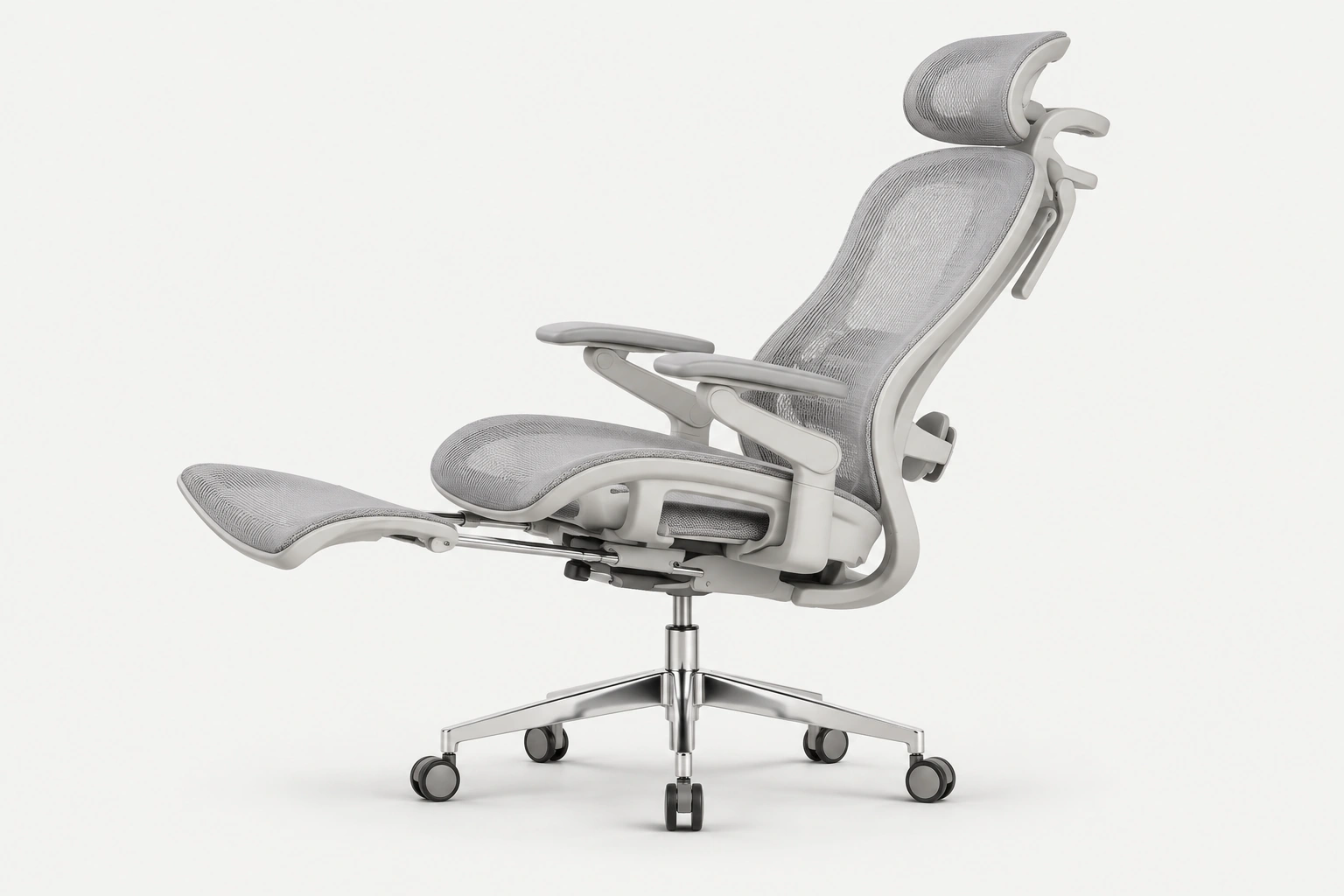
A CHANGE OF PACE
Explore features across the range. Equipment and adjustments vary by model.
SUPPORT YOUR BODY. STAY WITH YOUR WORK.
A comfortable fit starts with support in the right places. Take a closer look at the details designed around your working posture.
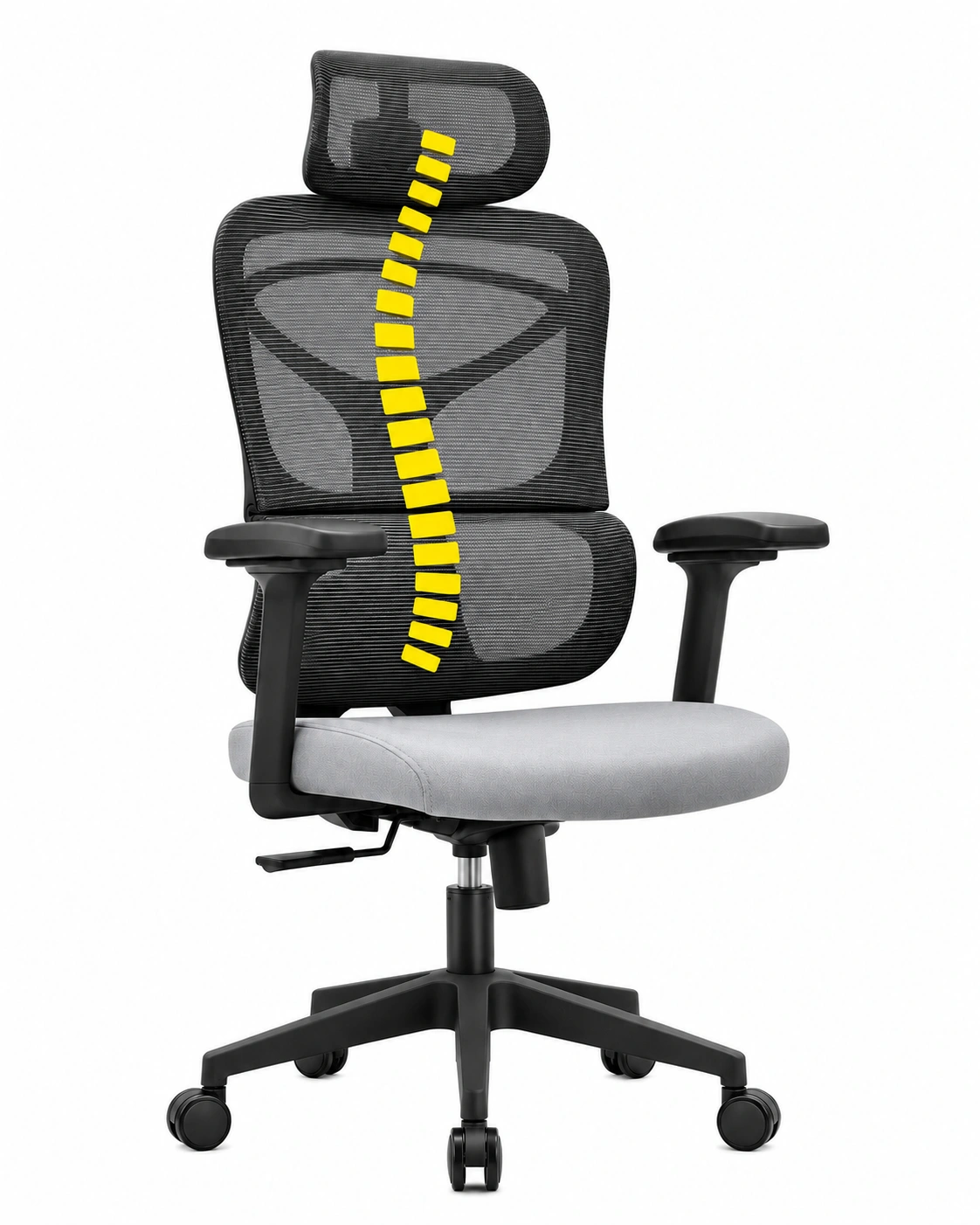
Adjust the height and angle on equipped models to position support behind your head and neck.
A tall backrest supports your upper and lower back. Selected Y-shaped designs also allow side-to-side movement.
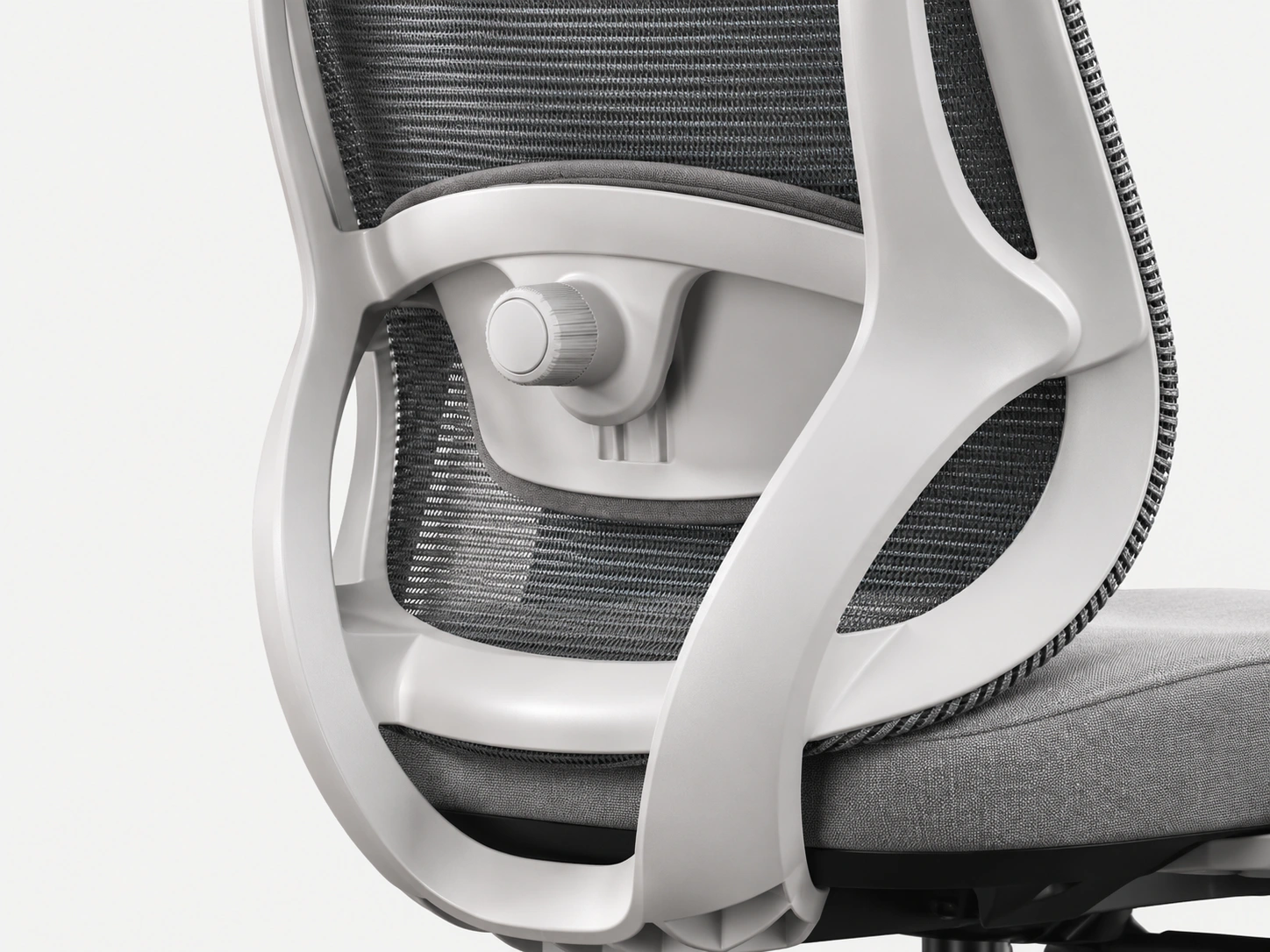
Position lower-back support to suit you. Selected designs offer 1.2 inches of depth travel, 2 inches of height travel and soft padding.
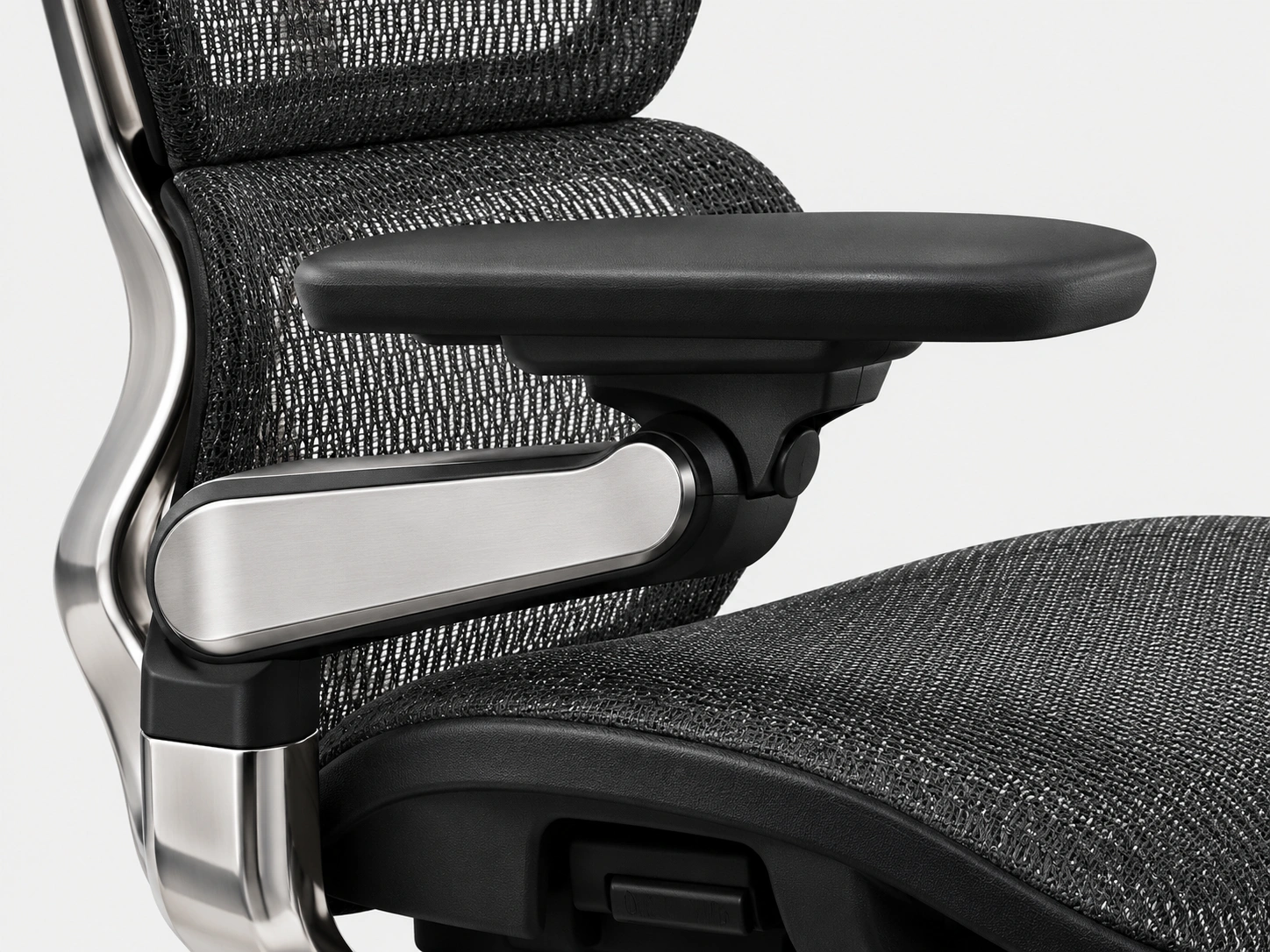
Raise or lower equipped armrests to suit your desk and working position.
Selected models combine backrest recline with a three-position locking function. Controls and adjustment ranges vary by model.
Illustrated support zones. Features and adjustment ranges depend on the model.
A LITTLE MORE BACKING
Adjust the support to meet you.
Height and depth adjustments on equipped models help position lumbar support where it feels right for your body.
Selected designs add a massage lumbar module. Compare the support system and adjustment options with our team before choosing.
Find your fitFIND YOUR WORKING POSITION
Six ways to personalize your arm support.
Adjust the distance between the armrests.
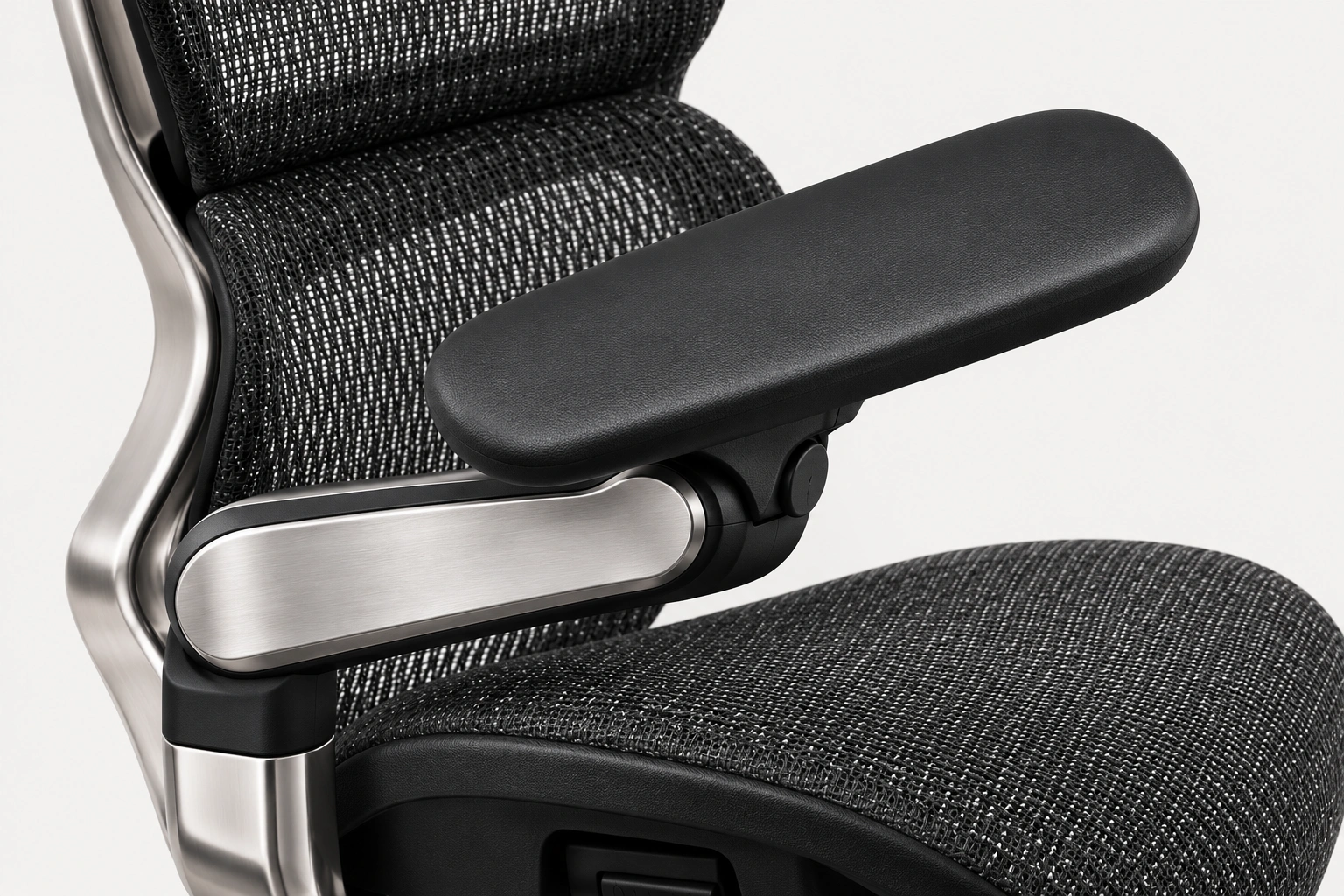
Turn the armpad to suit your position.
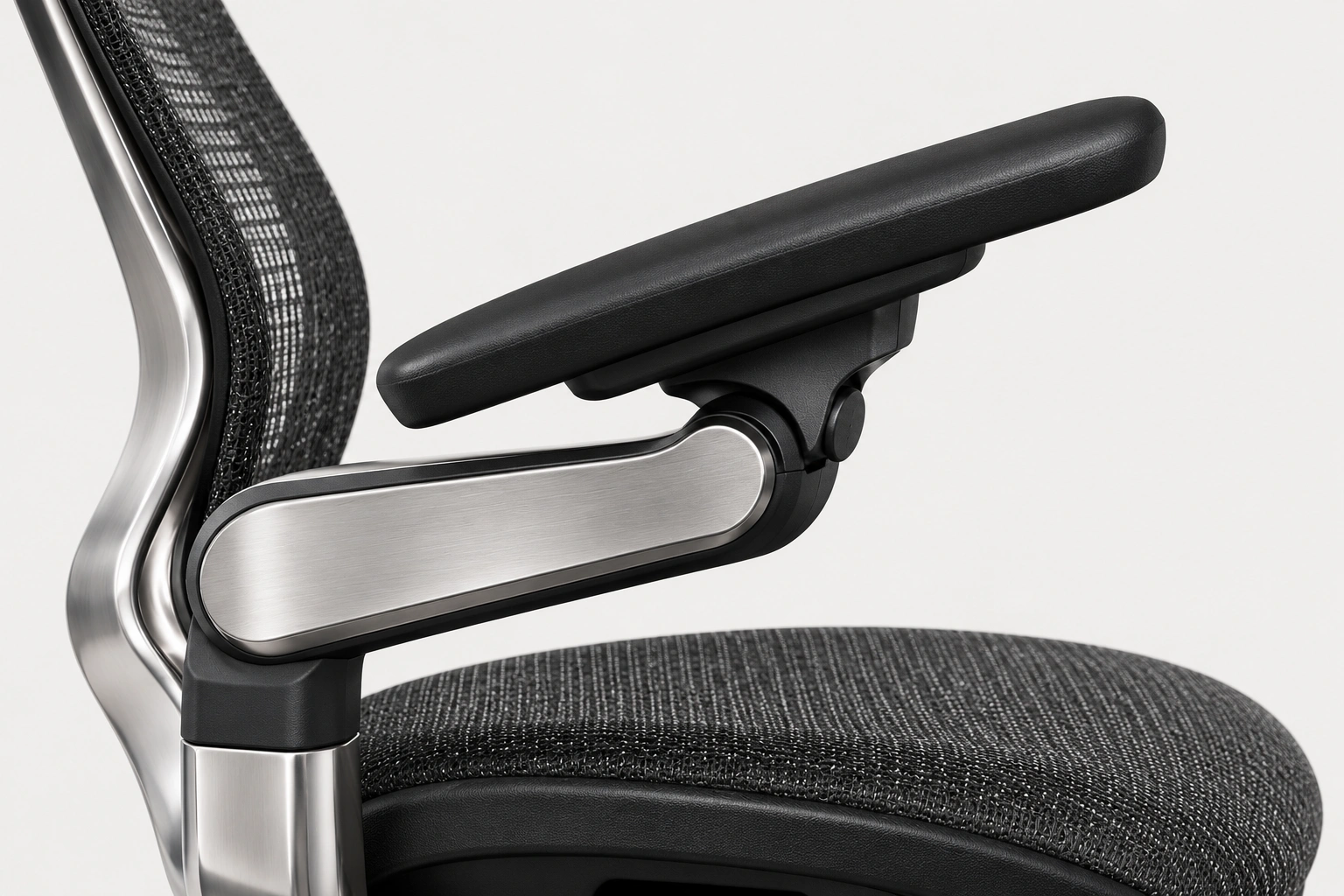
Angle the pad up or down.
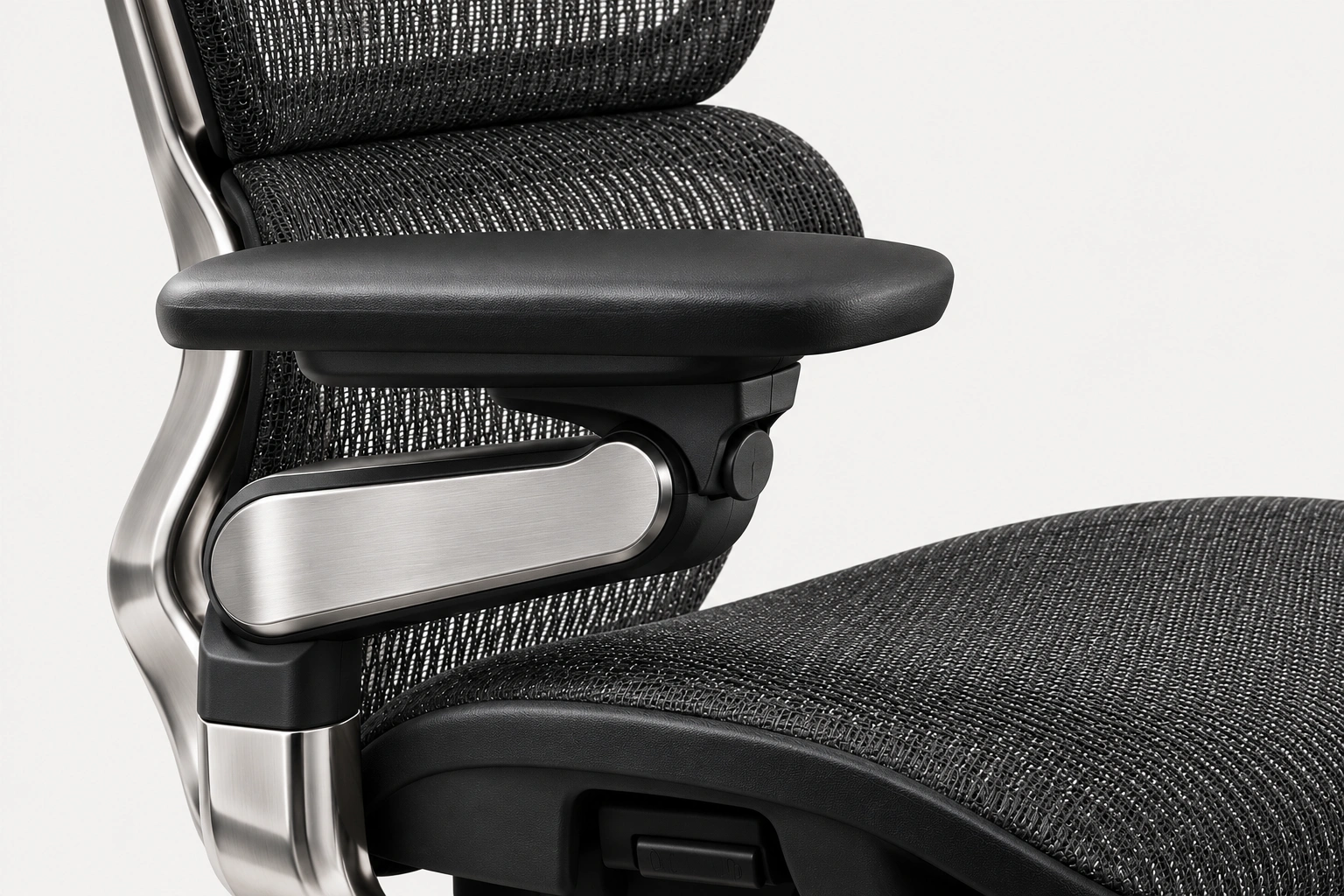
Move the pad left or right.
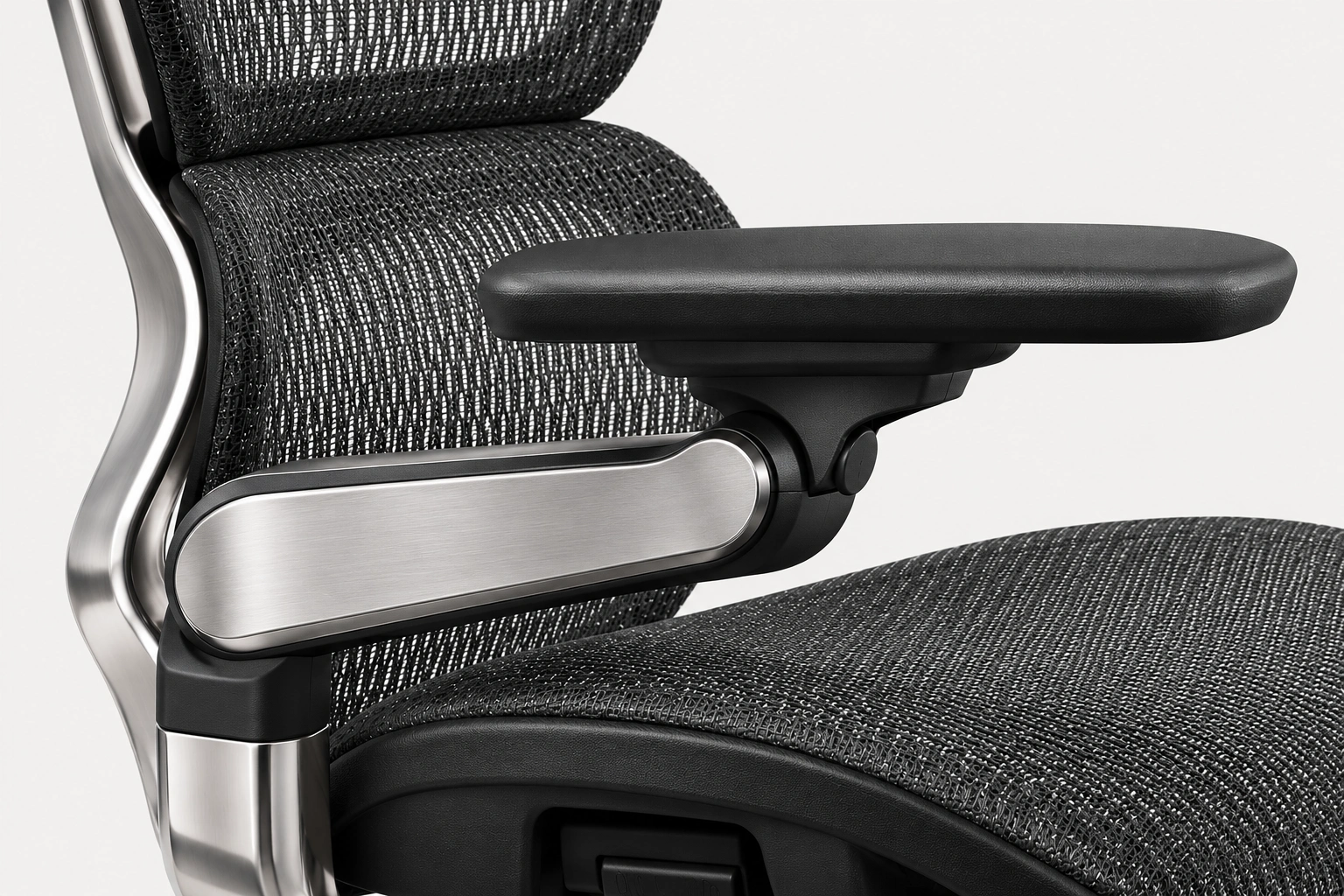
Slide the pad closer or further away.
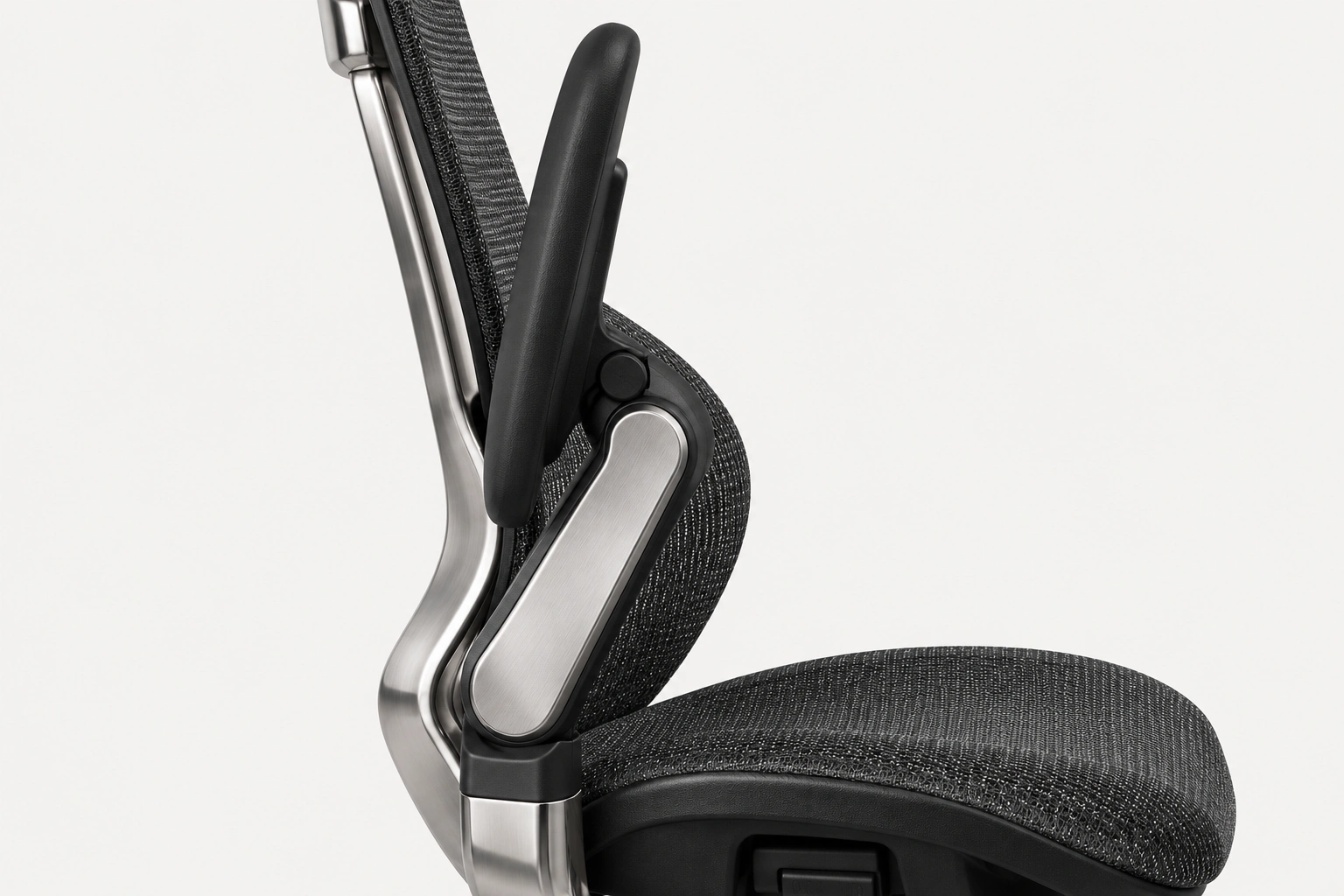
Rotate the armrest out of the way.
6D armrests are featured on Apex-H-M and Apex-H-MF Plus configurations. Features and adjustments vary by model.
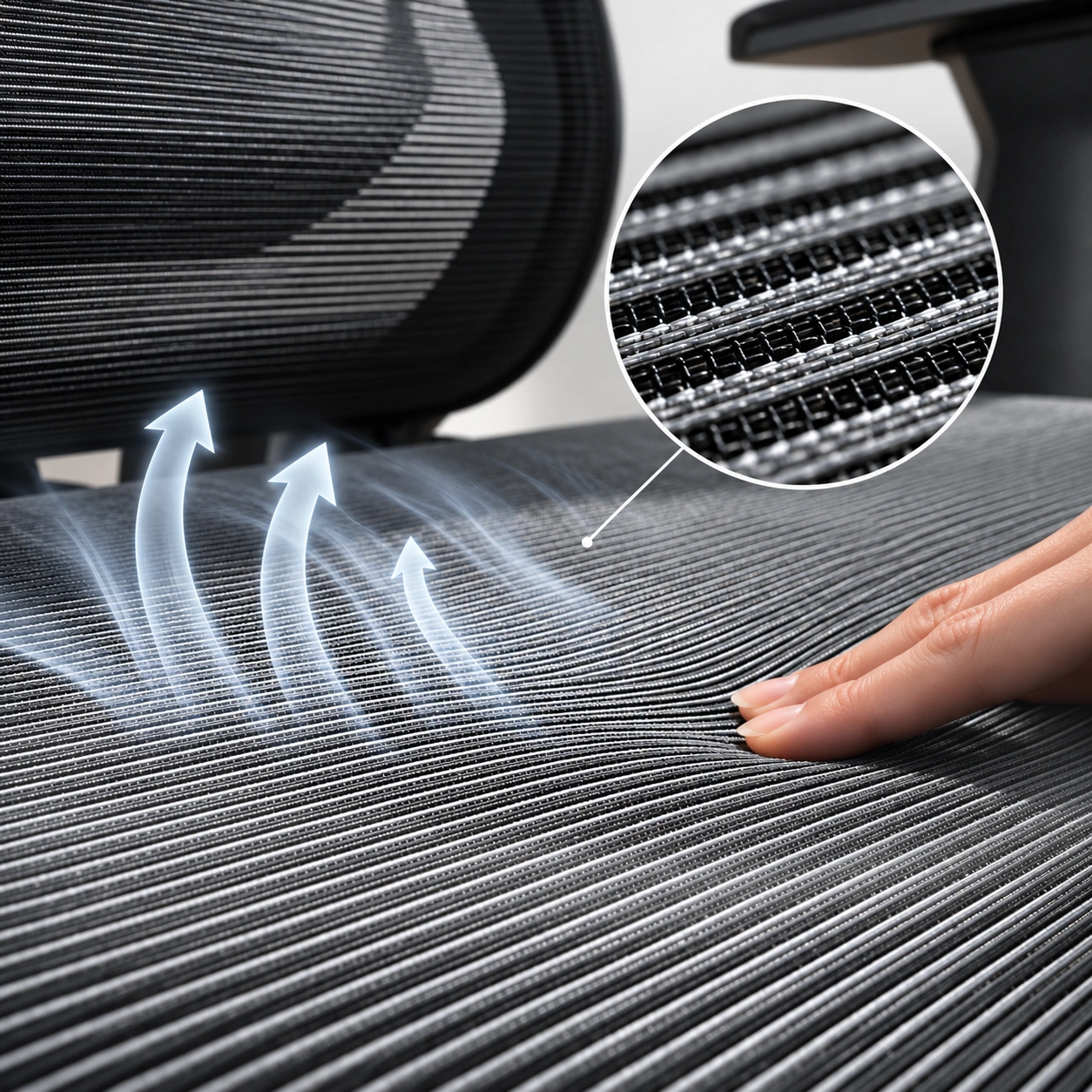
DESIGNED TO BREATHE
See the openness.
Feel the difference.
Open mesh lets air move through the backrest and, on equipped designs, the seat. The close-up reveals the woven structure that makes that airflow possible.
Airflow arrows illustrate the open mesh construction.
A CHANGE OF PACE
Recline, reset, and return to the task at hand.
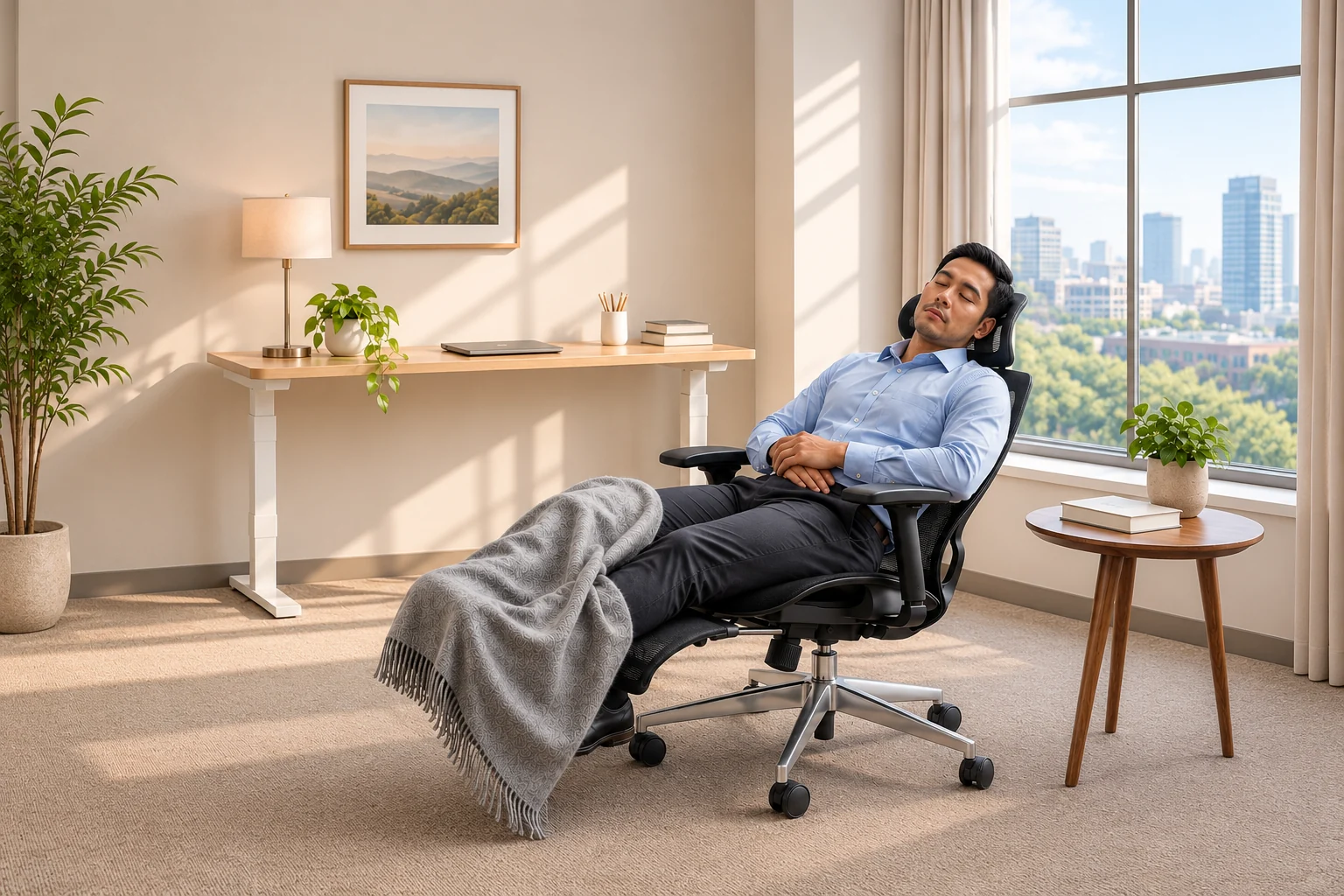
Selected designs offer tilt and rocking, with advertised recline ranges up to 145°. Confirm the range and lock positions for your model.
A sliding seat on equipped models lets you adjust its depth to better suit your seated position.
A built-in leg extension on selected chairs gives you another way to settle in during a break.
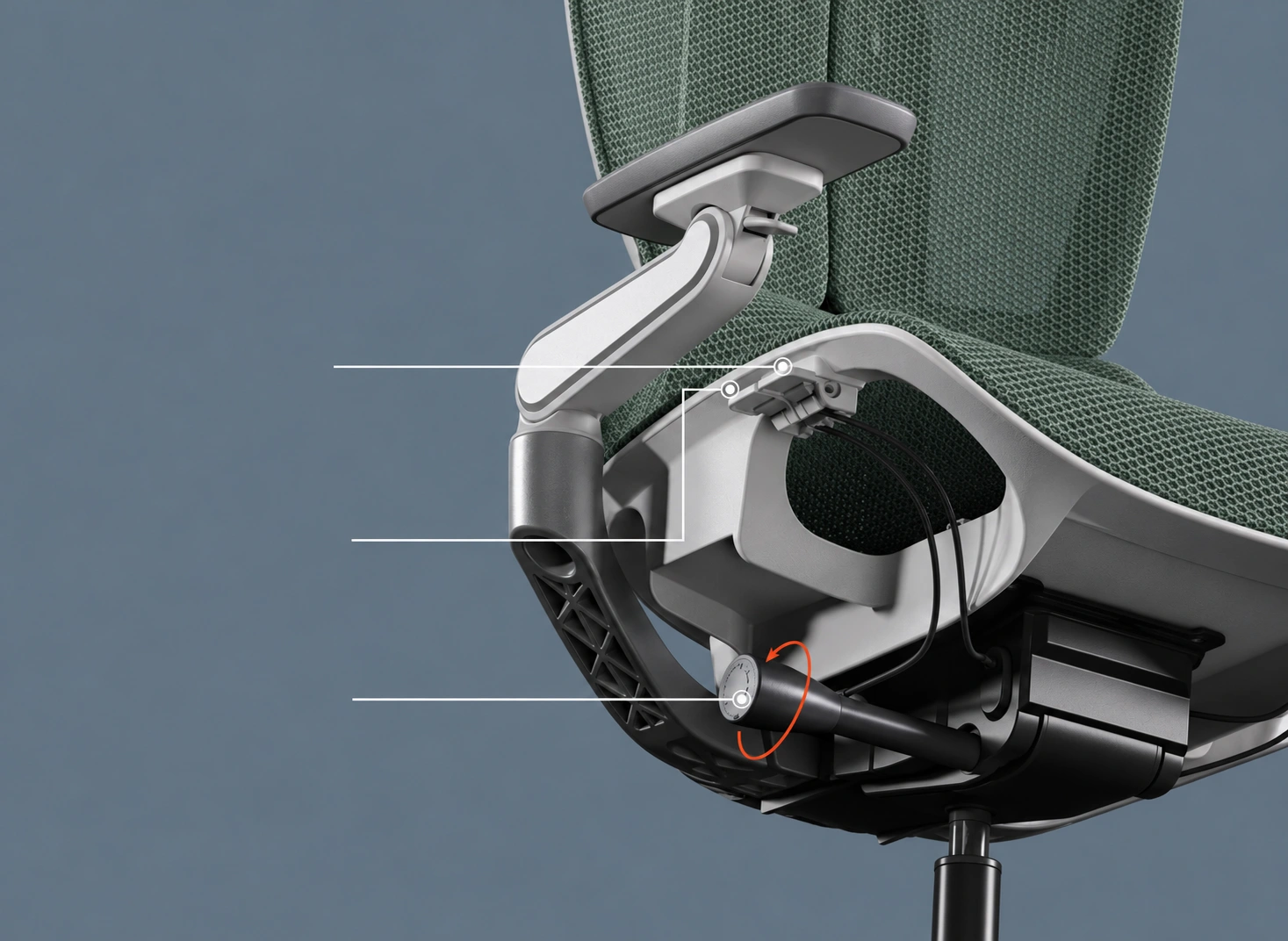 Seat height adjustmentBackrest reclineRecline & lock function
COMFORT, WITHIN REACH
Get to know your controls.
Adjust the seat to suit your desk and allow your feet to rest on the floor or a footrest.
Change your backrest position with the recline control on equipped models.
Use the lock positions available on your chair. Our team can demonstrate the mechanism in store.
YOUR WELLBEING BELONGS AT WORK
Make room for the person behind the work.
A more comfortable workday starts with a chair that fits you, a thoughtfully arranged workspace, and time to change position. Bring that same care to your office and your home.
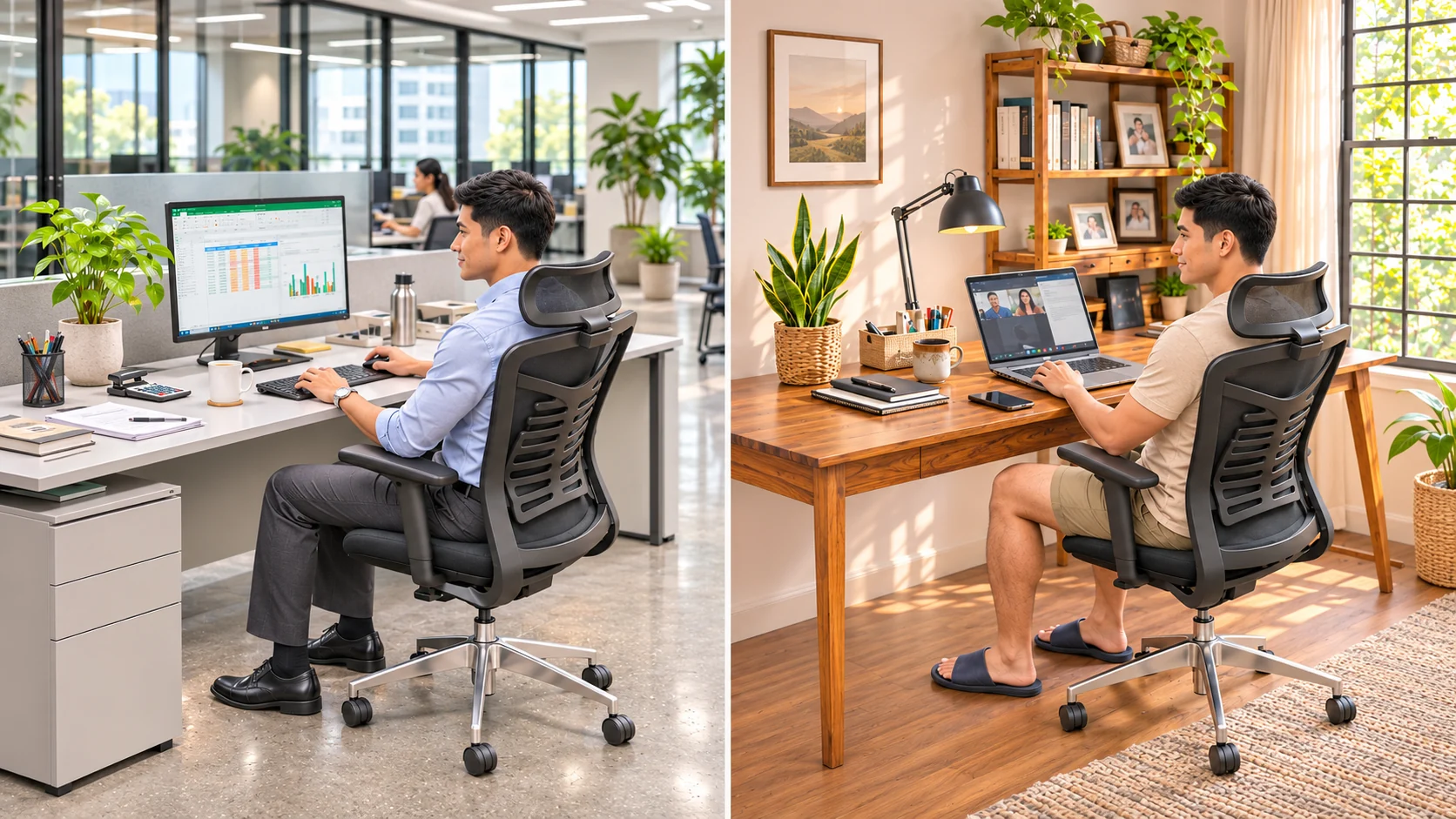
Position lumbar support at your lower back and set a seat height that keeps your feet supported.
Keep shoulders relaxed and arms comfortably supported. Arrange your screen and desk around your seated position.
Change position through the day. Take short breaks to stand, stretch and walk around.
FIND YOUR FIT
Explore the range. Select a chair
for details and prices.
Loading Ergothrone chairs…
Please try again in a moment, or visit a showroom to try every model in person.
Model selection, finishes and showroom availability may vary. Ask our team to help compare features.
Try your fit in storeFIND YOUR FIT
Features and adjustments vary by model. Check the individual product details or ask our team to help you compare. Styling illustrations; companion furniture and accessories are sold separately.